STYLIZE YOUR UGLY LOOKING VLC MEDIA PLAYER
VLC media player is terrific for playing all kinds of media files on your system but you may not care for the native look. We have a great collection of skins to help get you started on removing the “blah factor” and make VLC a lot more fun to look at.now just follow the steps below.
STYLIZE YOUR UGLY LOOKING VLC MEDIA PLAYER
STEPS: - If you dont have a vlc player download from here
- Download any of the themes from below.
- navigate to VLC’s Program Files folder and access the skins subfolder. You will see the .vlt file for the default skin included with your VLC installation Note: Unless you changed the folder name for VLC when installed (as shown here), look for a folder named VideoLAN.
- Simply drag and drop the skins that you have downloaded into this folder.
- Go to the Tools Menu and access Preferences
- When the Preferences Window opens go to the Interface Settings section (it should display by default). Select the Use custom skin setting and click Save. You will need to restart VLC for the changes to take effect.
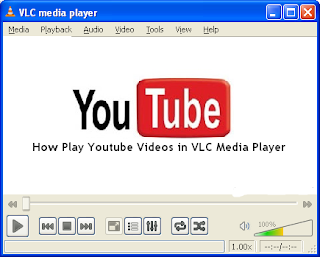
- As you can see the default skin has a nice, clean look to it but now you get to start having fun.
Right click on the top bar, go to Interface, then Select skin, and choose the skin you would like to use. That is all there is to it.
Note: You will not need to manually restart VLC for the change to take effect.
Alienware Darkstar
TRANSFORMERS vlc skin
Note: The skin will need to be extracted from a .rar file.
SilentVLC
Note: The skin will need to be extracted from a .zip file.
VLC Darkness
Glow Part 2
Inspired
Blissta
ShiftieVLC
Crux
my_PSP-purple
Friends Hope you enjoyed our post on vlc media players.so good bye see you in our next post.Take care and dont forget to comment.